Changelog

336 release notes, newest first. Page 3 of 34.

Vuframe® Cloud v1.4.23

Cloudv1.4.23

Changes from March 2026 up to 1.4.23. This month brings Kiosk apps, drag-and-drop uploads, a full-screen app editor, publishing of single Smartvus, a new 3D Models library and full editing of categories.

New ​

  • Kiosk apps. A new app type for touch screens at trade fairs and in showrooms.
  • Upload many media files at once. Drag several files onto the drop zone of the Media page. Each file shows a preview and its own progress bar, and Vuframe® Cloud files it as image, video or document.
  • Full-screen app editor. The app editor has its own top bar with Discard and Save, and a settings panel that you can make wider or narrower.
  • Cover images and filter rules for app pages. Select a cover image for any page, and include or exclude content on list pages by category, category type or content type.
  • Detail pages show the record you chose. A detail page in an app is fixed to one category, collection, SmartVu® or media item, which you select from a searchable list with previews.
  • Media library page. A new page type shows images, videos, documents or all media to the users of your app.
  • Category pages, your way. Choose how a category detail page shows media (hidden, all, by type or by a category type), collections (hidden, all or by type) and whether it shows Smartvus.
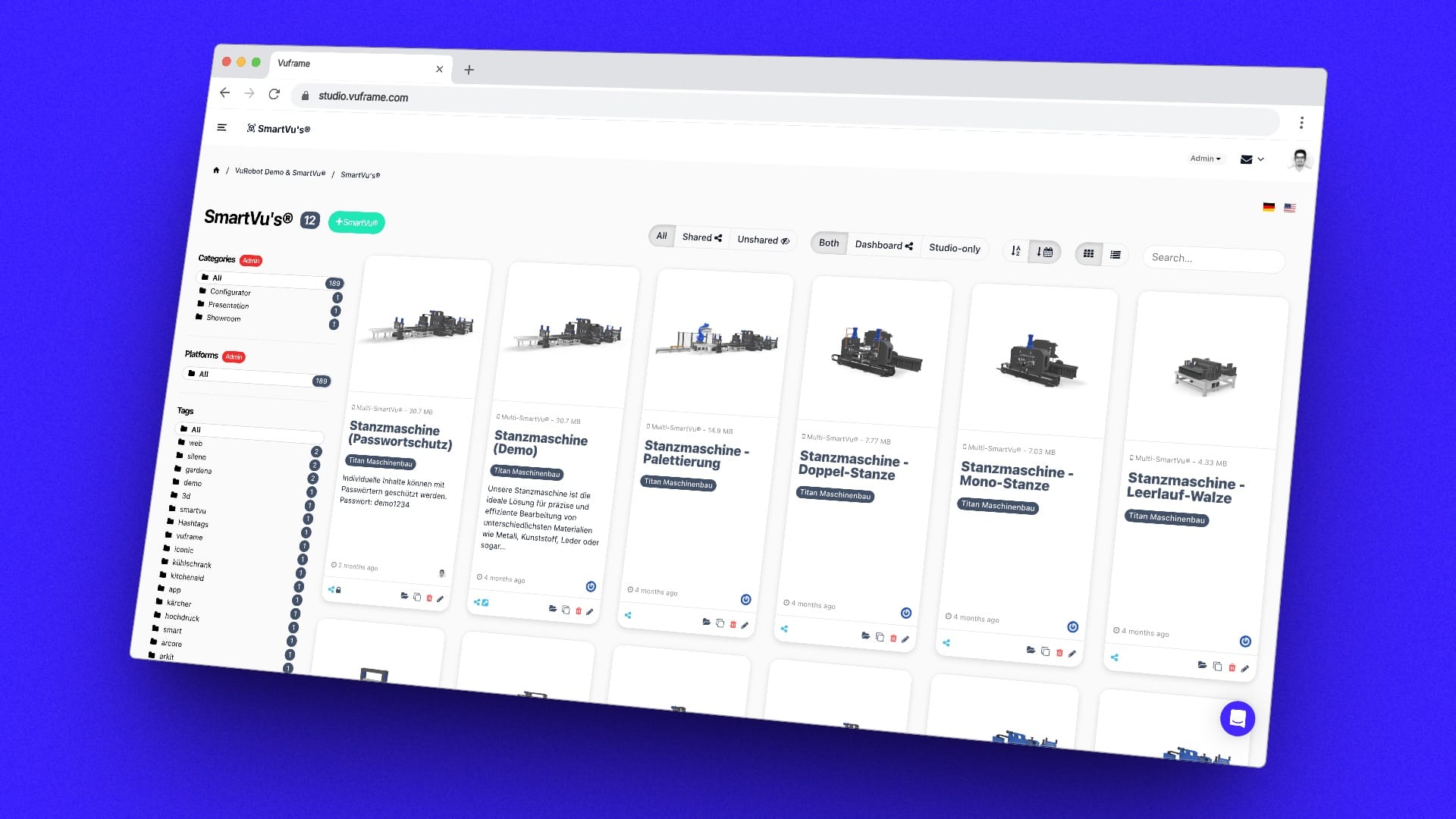
  • Import from Vuframe® Studio. Smartvus from a connected Vuframe® Studio workspace come into Vuframe® Cloud with their files and 3D models. Filter Smartvus by origin, and see imported Smartvus that are not yet in a collection. Imported Smartvus show a Legacy Data section.
  • Publish a single SmartVu®. Publish one SmartVu® without the whole app, see its version history, and decide when a version goes live.
  • A new 3D Models library. Grid and list view, more models as you scroll, status badges and a list of issues sorted into errors and warnings. Media and 3D model cards show a badge when they have issues.
  • 3D models of a SmartVu®. Add a model with Add 3D Model, remove it with the trash icon, and drag the models into the order the app shows them in. New filters in the Smartvus sidebar: Multiple Models and No Models.
  • MP4 videos as assets, for example as animated backgrounds. The card shows a frame of the video and its duration.
  • Edit categories, category types and content types. Create, edit and delete them; the identifier fills in from the title. Give a category a preview image from your assets.

Improved ​

  • More room for your content. On lists and detail pages, the main sidebar hides behind the menu button in the top bar.
  • App cards show the type of app: Studio App, Copilot App, Kiosk App, Embedded or External Link.
  • Sign-in settings only where they apply. The Users section and the page access settings show only for apps with user sign-in.
  • 3D model previews on a dark grid, and Has Issues combines with any status filter.
  • Published apps sort by title. Collections, Smartvus, 3D models, categories and media are listed alphabetically.

Fixed ​

  • Publishing is reliable again. Publishes no longer fail at the final check, items that failed after an update publish again, files published earlier are no longer lost, and 3D models show their real size.
  • App versions show their size and file count again.
  • New 3D models are processed again, and a model that failed once is tried again on the next import.
  • The page of a media item and the app settings open again. Cleared checkboxes in the page settings stay cleared.
Vuframe® Cloud v0.9.1

Cloudv0.9.1

Changes from February 2026 up to 0.9.1. You can now create apps and set their look in Vuframe® Cloud, and the navigation is clearer.

New ​

  • Create Studio and Copilot apps. Type a title, and Vuframe® Cloud suggests the identifier. Your app logo is part of the published app.
  • Colors, font and images of your app. The new Configuration section on the app page has color pickers, the font family and images from your assets. Empty sections, pages and versions tell you what to set up next.
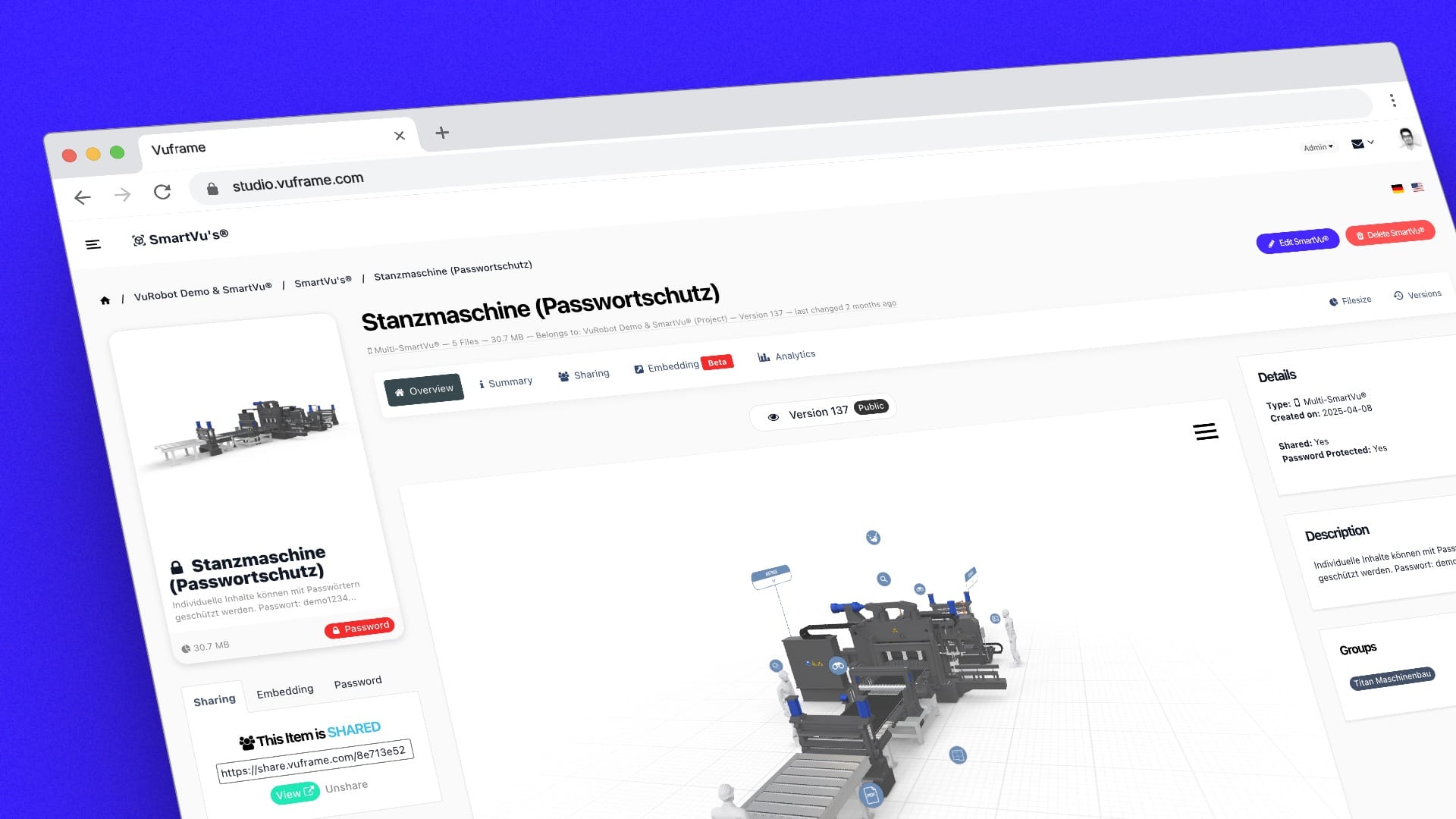
  • SmartVu® properties and live preview. The page of a SmartVu® lists its properties and shows the Smartvu in an embedded viewer.
  • Module access per person. Workspace admins choose which modules each person can open. A module that you cannot open shows a lock.

Improved ​

  • Clearer navigation. The sidebar opens a module in place with its sub-pages below it. The modules are now called Smartvus, 3D Models, Media and Web3D. Breadcrumbs sit in the top bar with the search box in the middle, and the home page shows your modules, tools and apps.

Fixed ​

  • Apps with many files publish without errors. Also, the Media page lists documents again and the page of a SmartVu® opens again.

Vuframe® Cloud v0.9.0

Cloudv0.9.0

Changes from November 2025 up to 0.9.0. External apps now look like your other apps in the app list.

New ​

  • Icon and preview image for external apps. Drag a picture onto the drop zone or click it to select a file. You see the picture at once, and you can remove it without a page reload. On the app card, the icon shows on top of the preview image.

Vuframe® Cloud v0.8.0

Cloudv0.8.0

Changes from October 2025 up to 0.8.0. SmartVu® actions now reach your published apps.

New ​

  • SmartVu® actions in published apps. Actions that you add to a SmartVu®, for example an action that shows an image with a caption, are now part of the published app.

Vuframe® Cloud v0.7.0

Cloudv0.7.0

Changes from August 2025 up to 0.7.0. Every published app version is now fixed, and a failed publish no longer uses up a version number.

Improved ​

  • Published versions stay unchanged. Nobody can change or delete an app version after it is published, and its changelog stays as written.
  • Failed publishes are easy to retry. A failed or abandoned publish shows in grey in the version list with a View Log link, never shows as "Latest" or "Live", and does not use up a version number. When you try again, the form already holds your changelog text.

Overview ​

Your content now loads faster worldwide. Our new global infrastructure delivers 3D models with 65% improved load times across 300+ locations.

Performance Improvements ​

  • Global CDN: 300+ edge locations worldwide
  • Load times: Reduced initial response time from 250ms to 39ms per file
  • Download time optimization: 40% reduction in download times
  • Smart caching: Predictive preloading for frequently accessed models

EU Data Centers ​

All customer data and 3D models are now processed and stored exclusively in EU data centers:

  • Nuremberg, Germany
  • Full GDPR compliance
  • Data sovereignty guaranteed

What This Means for You ​

  • Sales teams: Demos load instantly, even on conference WiFi
  • Trade shows: No more "loading" screens during presentations
  • Global customers: Same performance in Tokyo, New York, or Berlin
  • IT teams: Reduced bandwidth costs and improved security

Migration ​

No action required. All content has been automatically migrated to the new infrastructure.

Studio v6.0.1

Studiov6.0.1

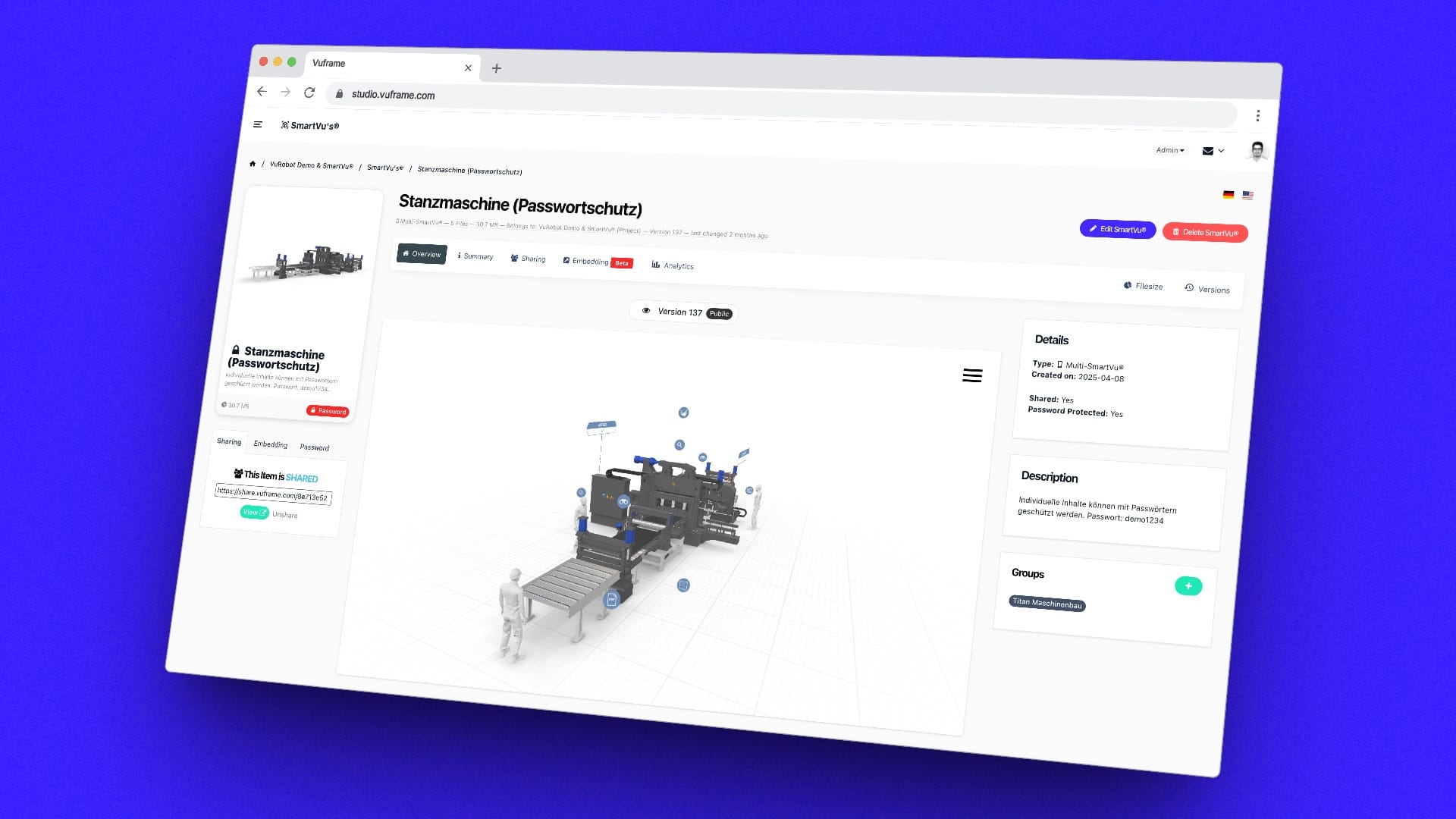
This version brings a major UI overhaul paving the way for the release of the Vuframe® Digital Platform later this year.

Studio is now also fully integrated with our new global edge-architecture which enables much faster load times for media, assets and 3D models.

Professional, monochrome Software UI with intuitive UX
3D Previews now available in all Studio sections for viewing & editing

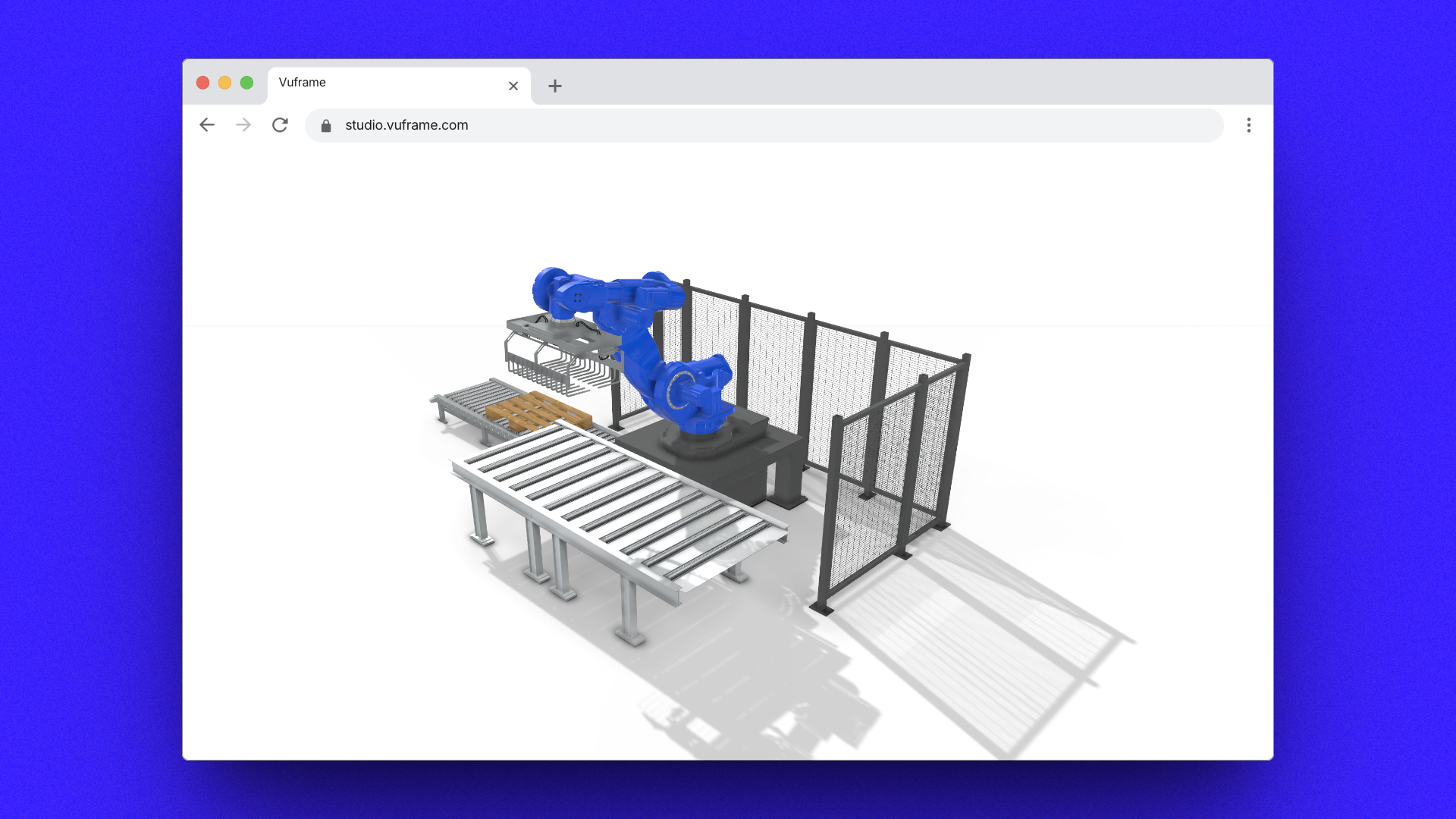
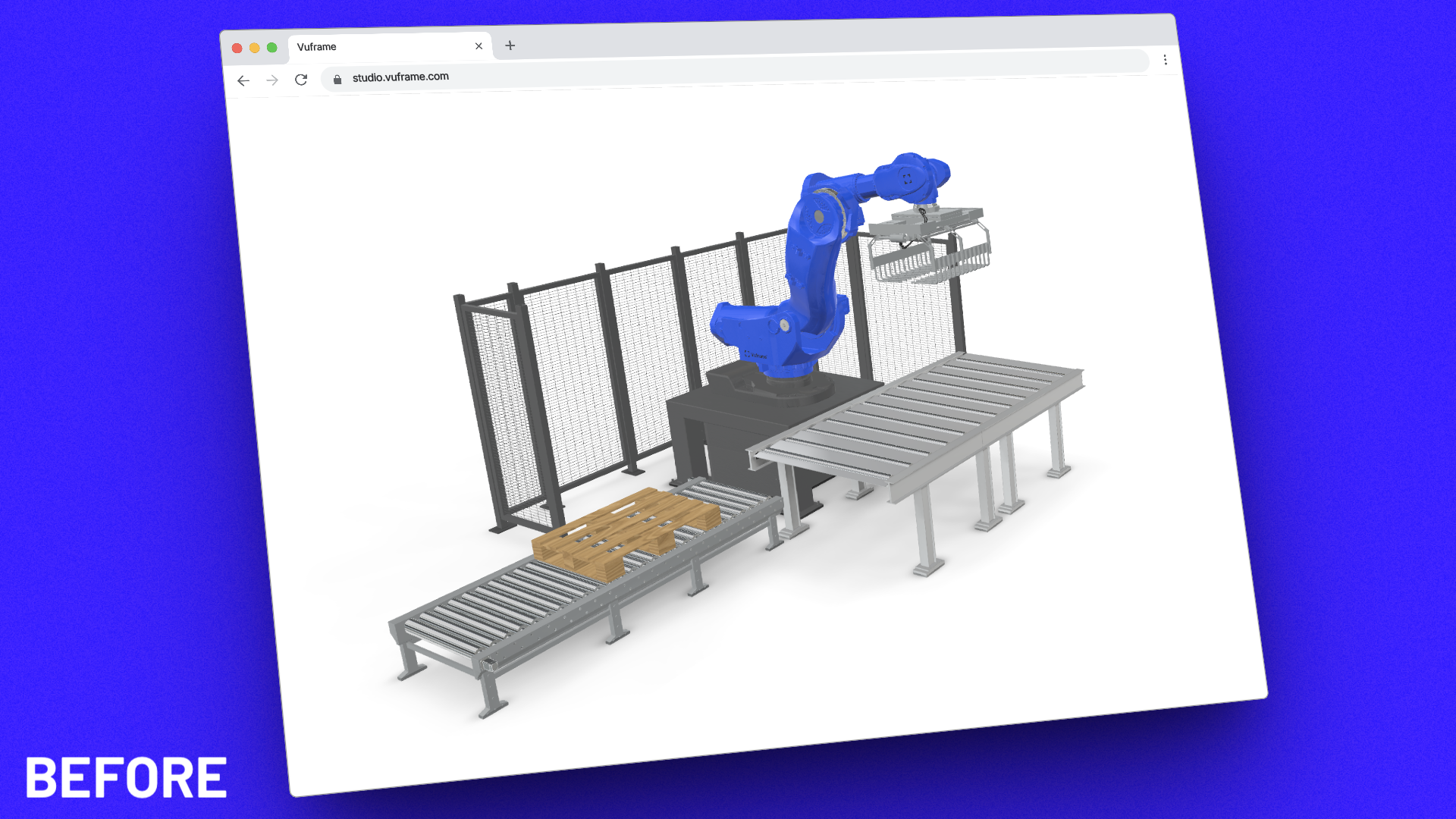
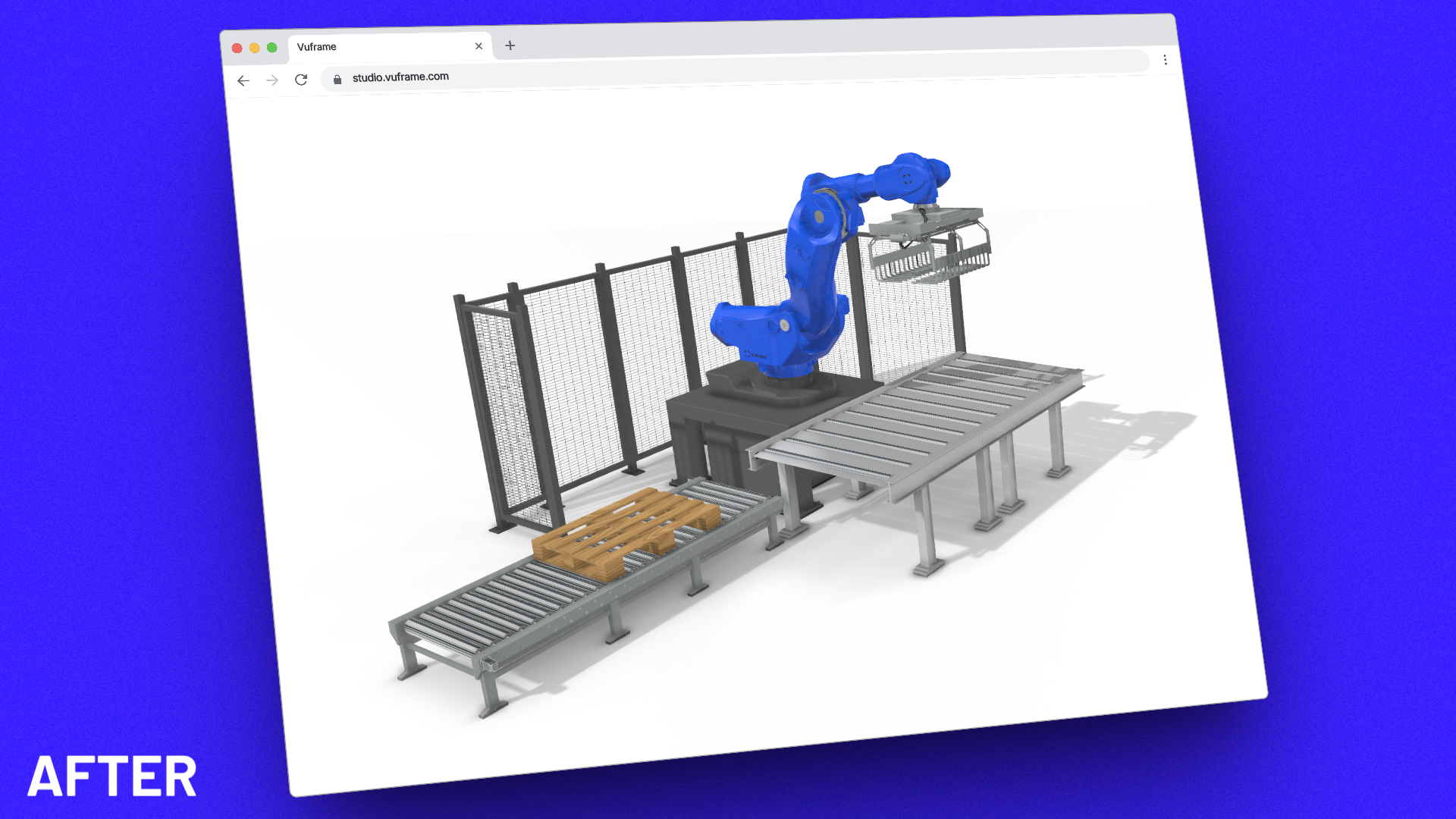
The latest Web Viewer brings photorealistic rendering to your 3D models with real-time shadows and ambient occlusion, delivering visual quality previously only possible in offline renderers.

  • Real-time shadows - Dynamic shadow casting for all light sources
  • Ambient occlusion - Enhanced depth perception and realism
  • Improved material rendering - Better metal and glass surfaces
  • Zero performance impact - Optimized shaders maintain 60fps on standard hardware
Web Viewer v3.2.0 – No support for Ambient Occlusion or Realtime Shadows
Web Viewer v4.0.0 – full support for Ambient Occlusion and Realtime Shadows

3D Viewer v3.1.0

3D Viewerv3.1.0

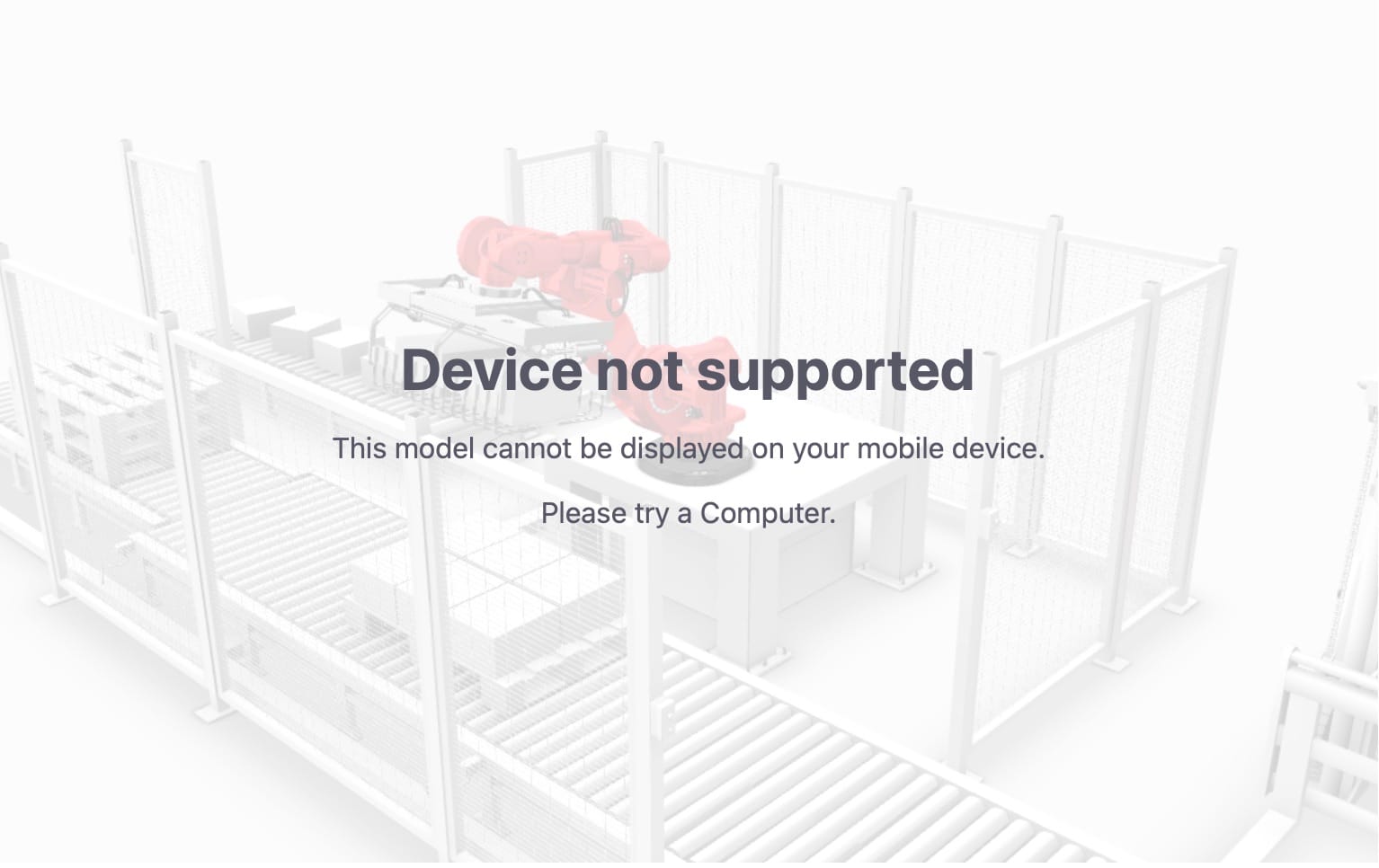
Disable Device Types ​

see Disabling Device Types

  • Added: parameter for handling of Smartvu on mobile devices, i.e. tablets and phones (mobile=0, simulate_mobile=1)
    https://embed.vuframe.com/a11370e8?mobile=0&simulate_mobile=1
  • Added: parameter for handling of Smartvu on phone devices only (phone=0, simulate_phone=1)
    https://embed.vuframe.com/a11370e8?phone=0&simulate_phone=1

More URL Types supported ​

see Embed URL Guide

  • Added: support for subfolder slugs (e.g. embed.vuframe.com/<embed-code>/something) which will be ignored
  • Added: support for trailing slash in embed url (e.g. embed.vuframe.com/<embed-code>/)

Other New Features ​

  • Added: support for autorotate parameter (autorotate=1) and autorotate speed parameter (autorotate_speed=1)

3D Viewer v2.2.0

3D Viewerv2.2.0

Isolate Mode ​

Tip

Our analytics and bug-tracking is completely anonymised and fully hosted in Germany (Analytics) and the EU (Bugtracking).

For enterprise compliance we added a parameter for disabling our bug-tracking and analytics (isolate=1) https://embed.vuframe.com/a11370e8?isolate=1

Warning

This is only required for enterprise-level compliance and will remove bug tracking and analytics from the viewer completely!