File Delivery Requirements
Checklist
To ensure a smooth and efficient creation process for manually produced Smartvus, it is essential to provide complete and well-structured source material. This document outlines the key file delivery requirements, all of which are critical for accurately visualizing, structuring, and presenting the product within the Smartvu experience.
Editor Screenshots
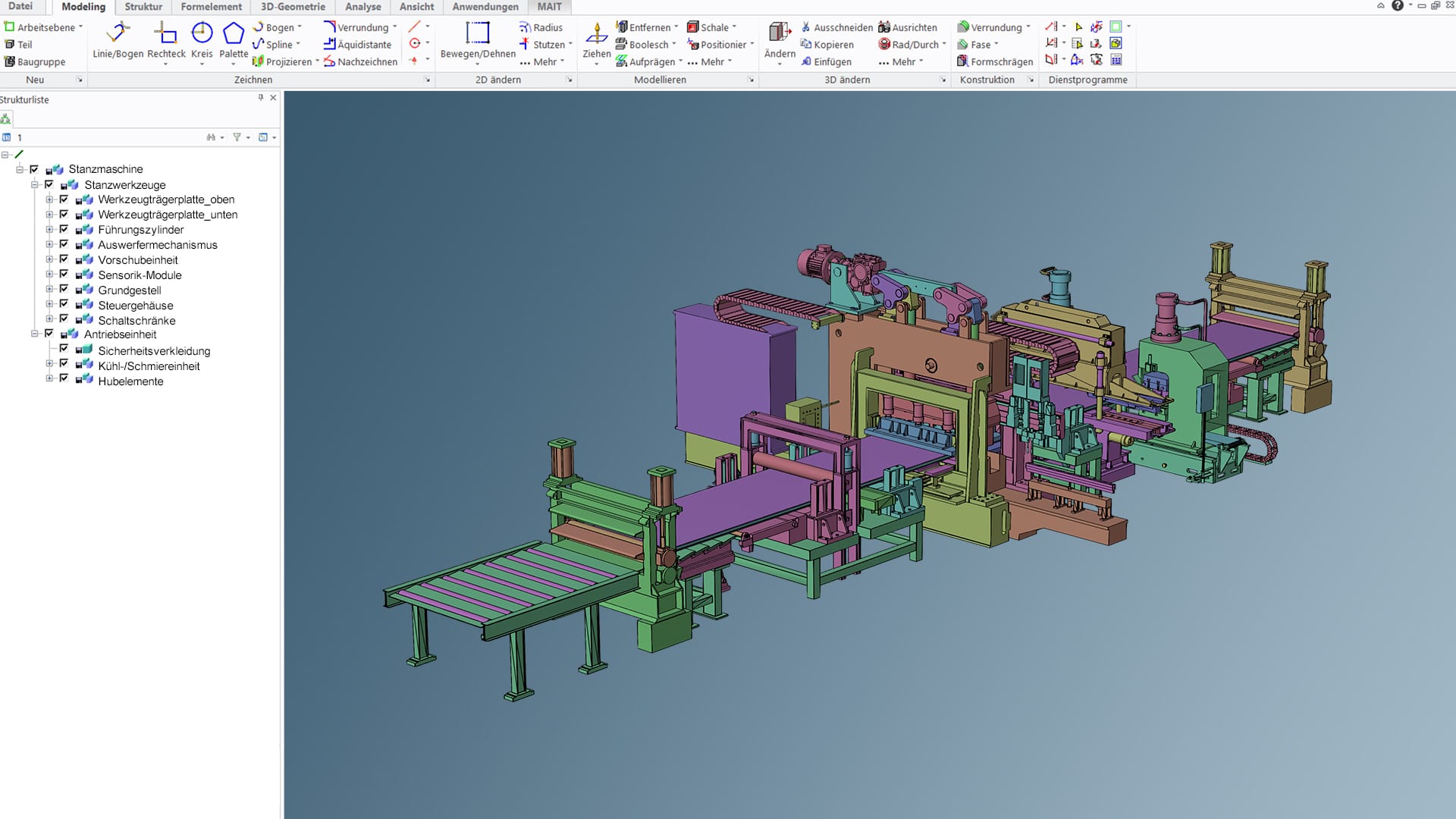
Reference images of the CAD models should include editor screenshots from multiple perspectives (e.g., front, side, top). These images help visualize the geometry, proportions, and assembly relationships of the model as intended by the designer.
Additionally, screenshots taken directly from the CAD editor should showcase important aspects such as the file or assembly structure, component hierarchy, naming conventions, and any special details (e.g. annotations, layers, constraints).
This supplementary visual documentation is essential for correctly interpreting the CAD data. It enables a more accurate digital reconstruction, supports quality assurance processes, and helps to identify potential issues or inconsistencies early in the pipeline—before they impact the final output.
Reference Images
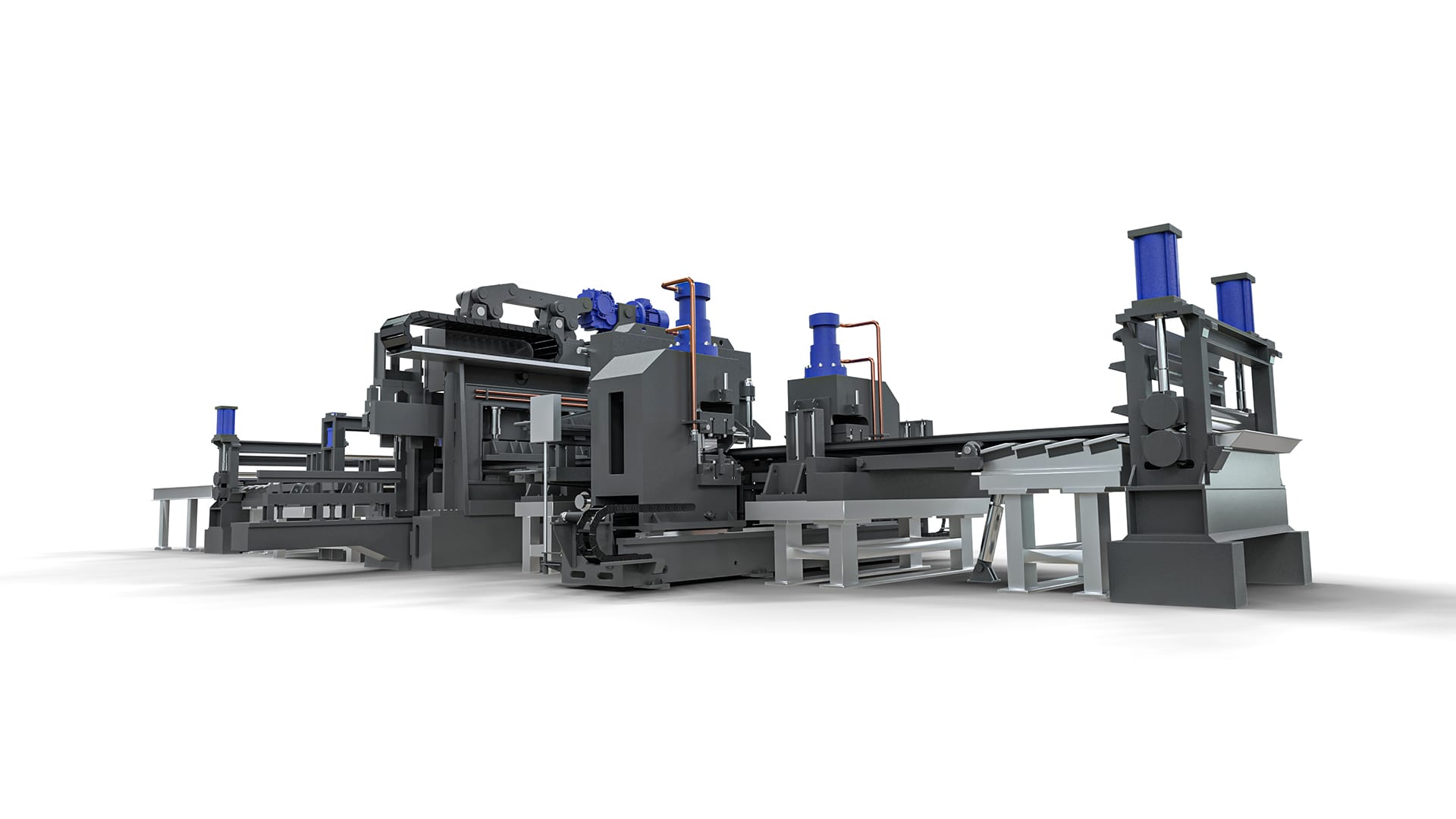
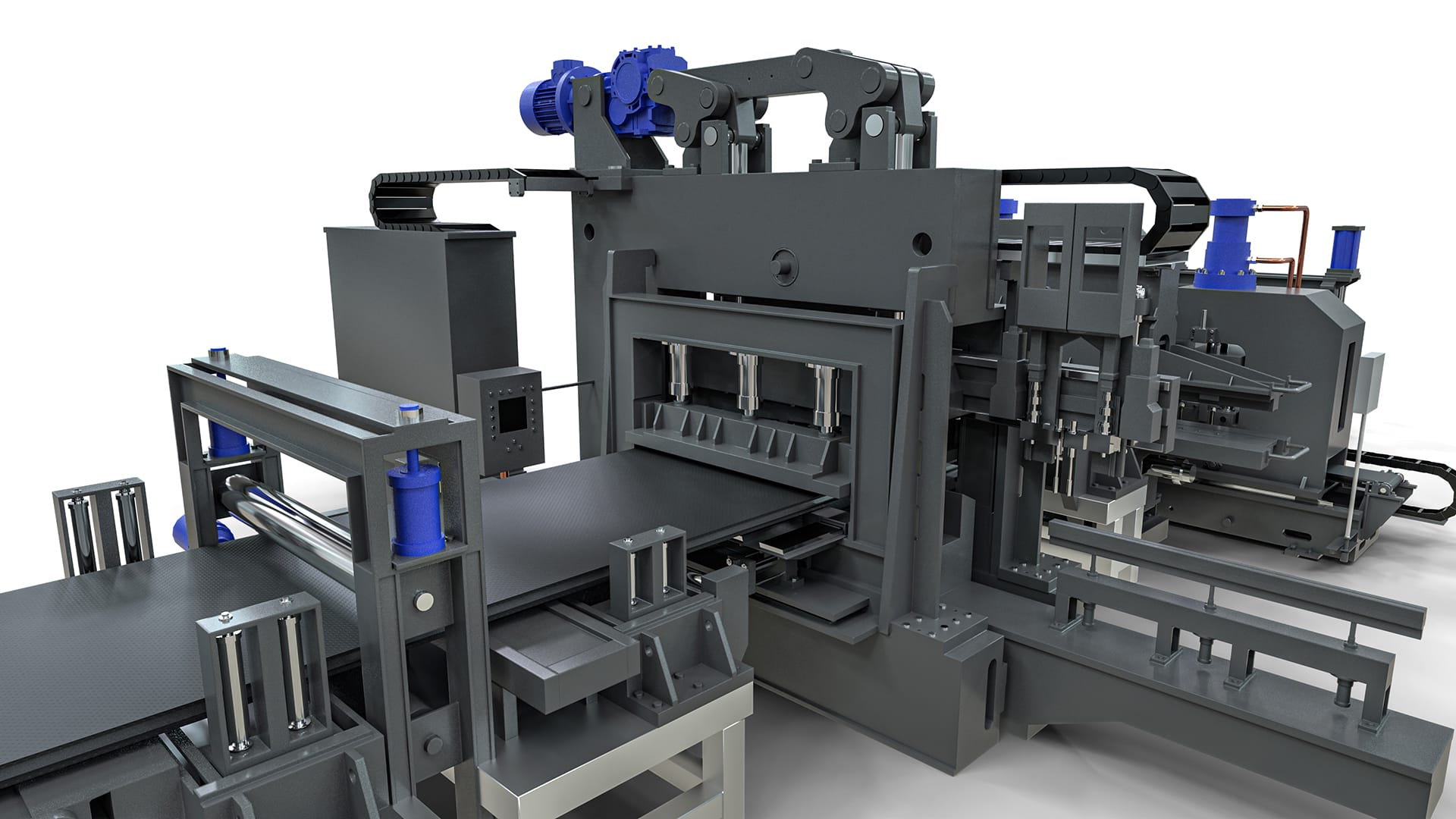
Reference images are high-quality photographs of the actual product, captured from multiple angles and perspectives.
These should include both overall views and close-up shots of specific components, especially those that require particular attention or are intended to be highlighted in the 3D experience.
Such images play a critical role in accurately recreating the product’s materiality, including surface finishes, colors, textures, and physical proportions. Providing clear, well-lit, and high-resolution reference images ensures that the digital representation is as realistic and detailed as possible.
Additional Information
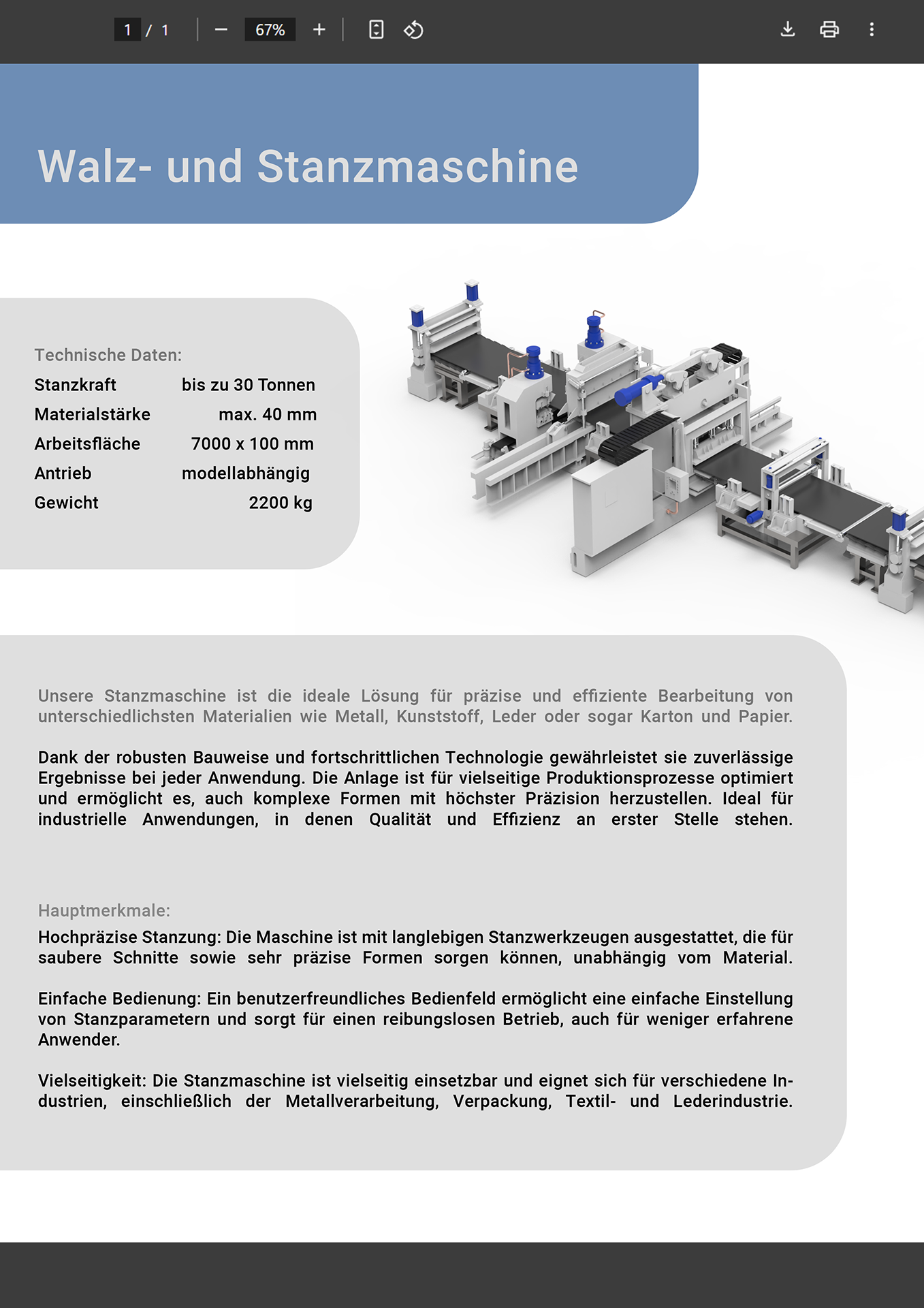
Additional product information includes descriptive text, marketing content, and rich media assets such as images, PDFs, and videos. This supplementary content is essential for enhancing the user experience, as it is displayed in interactive elements like hotspots and the sidebar.
It helps communicate product features, benefits, and usage more effectively and supports both visual storytelling and informative presentation.
Please ensure that all materials are up-to-date, high quality, and clearly labeled for seamless integration into the final Smartvu.
See also our supported file formats: