Vuframe® Cloud v1.64.8
Vuframe® Cloud v1.64.0 to v1.64.8.
New
Highlights pages. Show your best content as large cards at the top of an app page, and highlight media in media lists.
Media Timeline pages. Show the media of your website and channels by date, newest first.
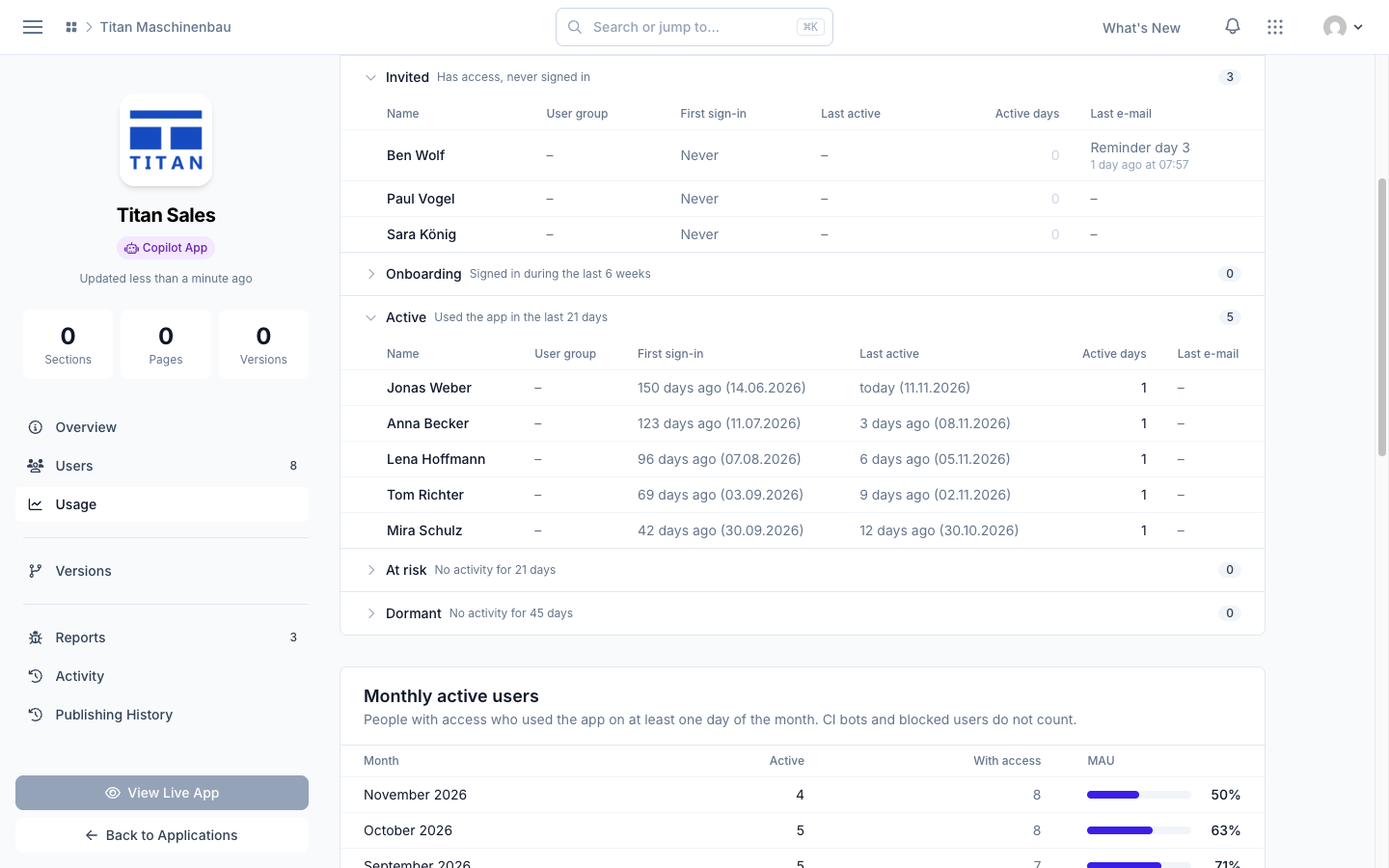
See who uses your app. The Usage page lists the people in each state, from Invited to Dormant.
Improved
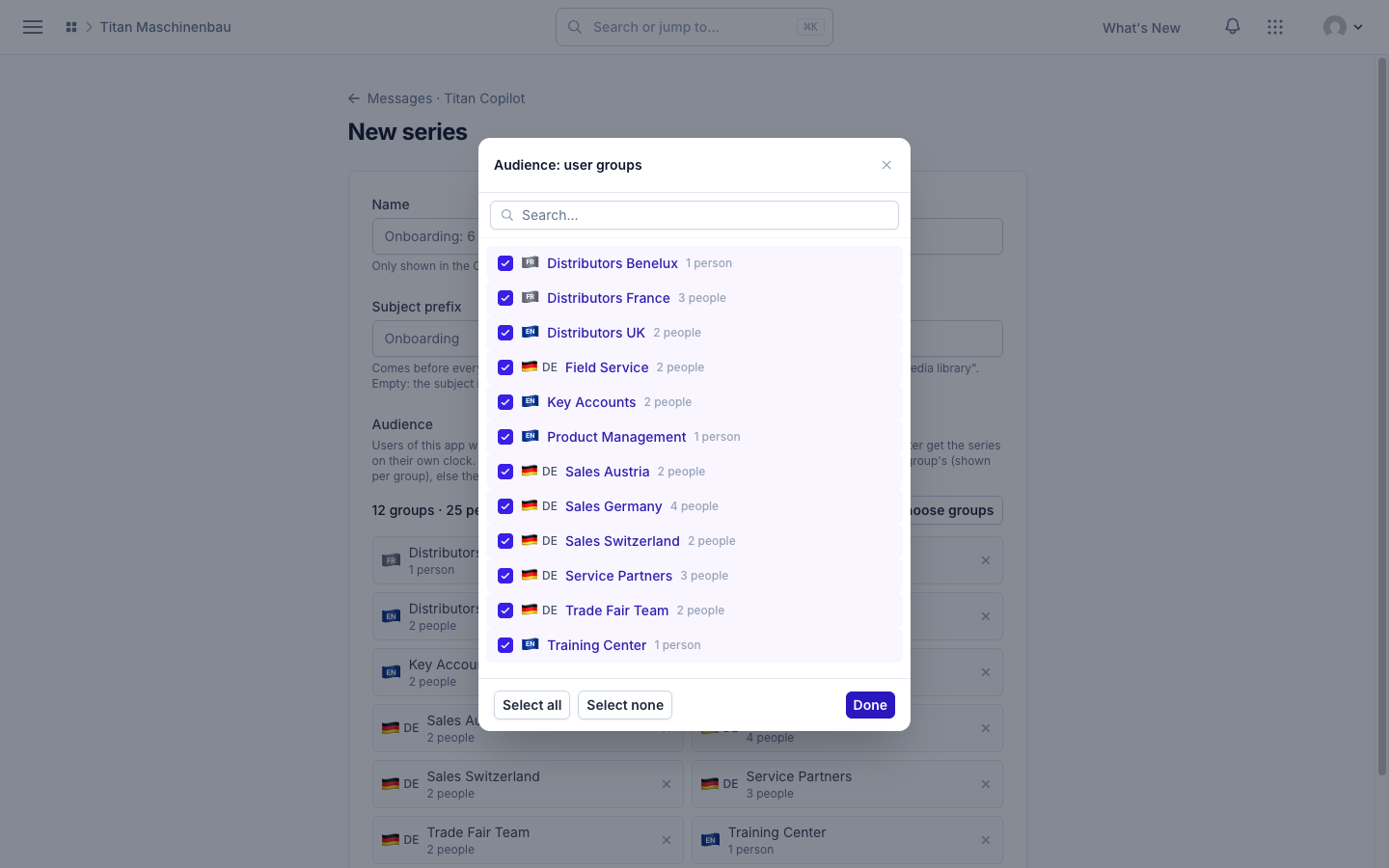
Choose the audience of a message in one list. Select user groups with search, Select all and Select none.
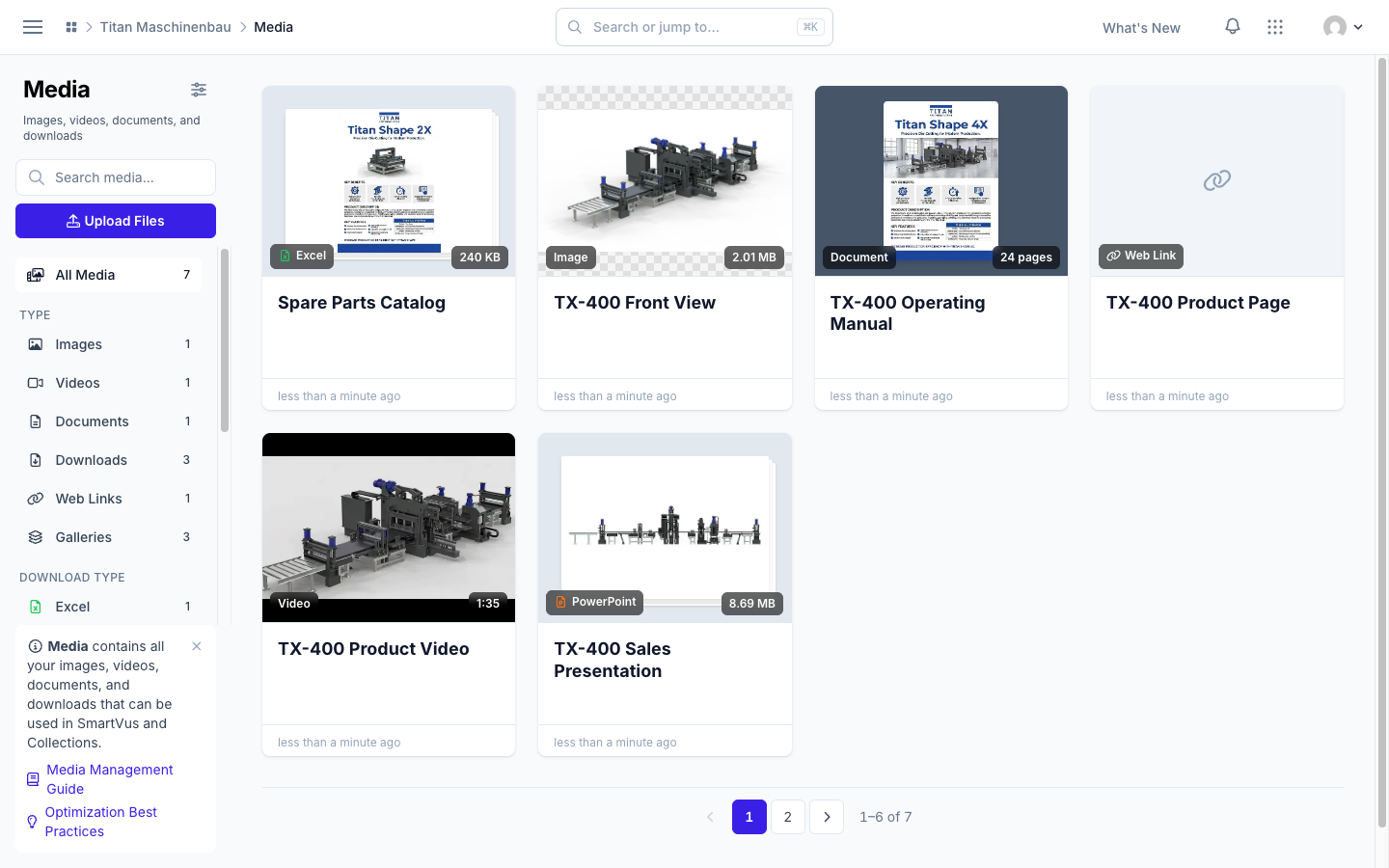
One page control for all lists. Every list has the same page buttons and item count.
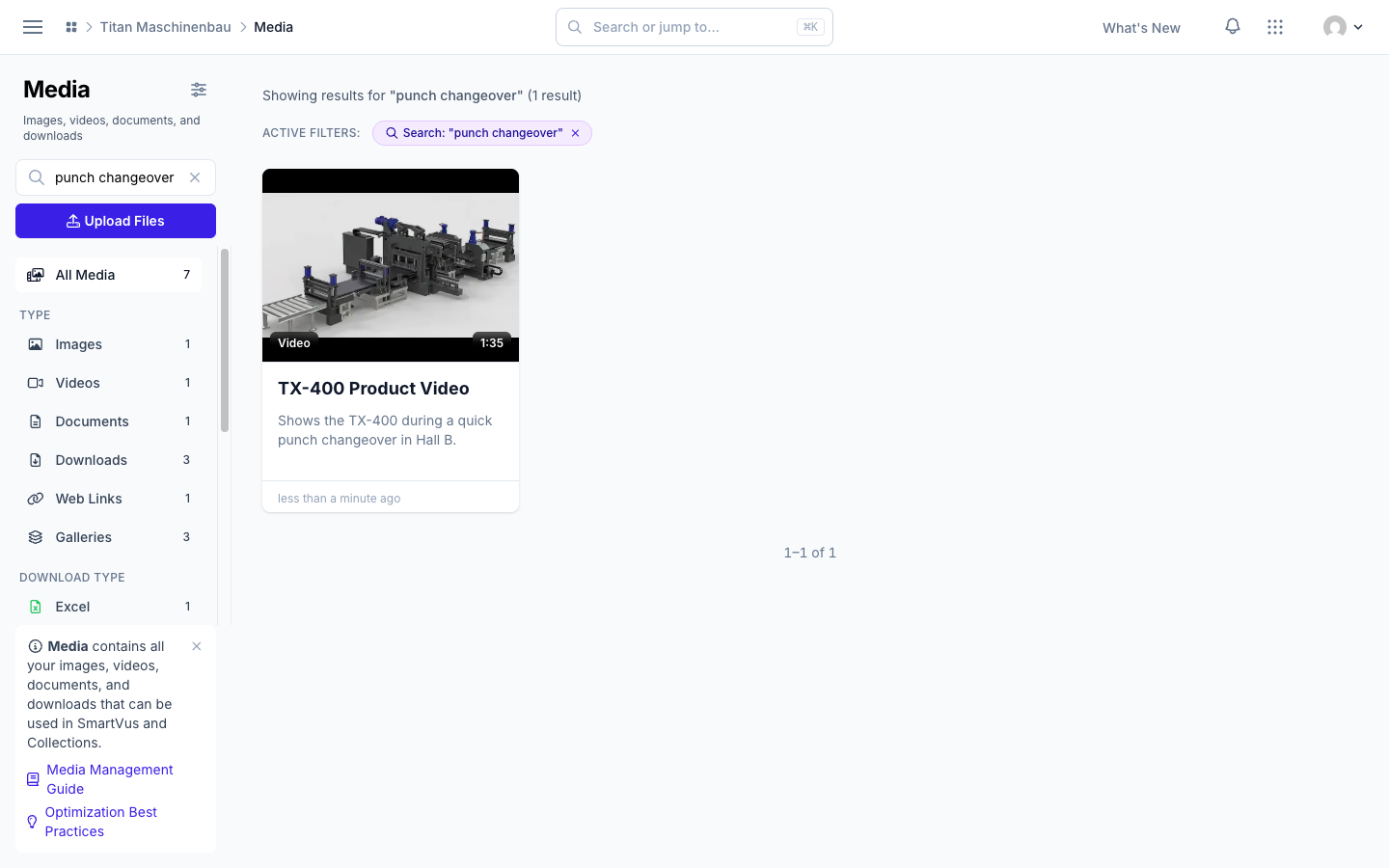
Search finds media by their description. The media search and Search or jump to... also look in descriptions. Read more
Fixed
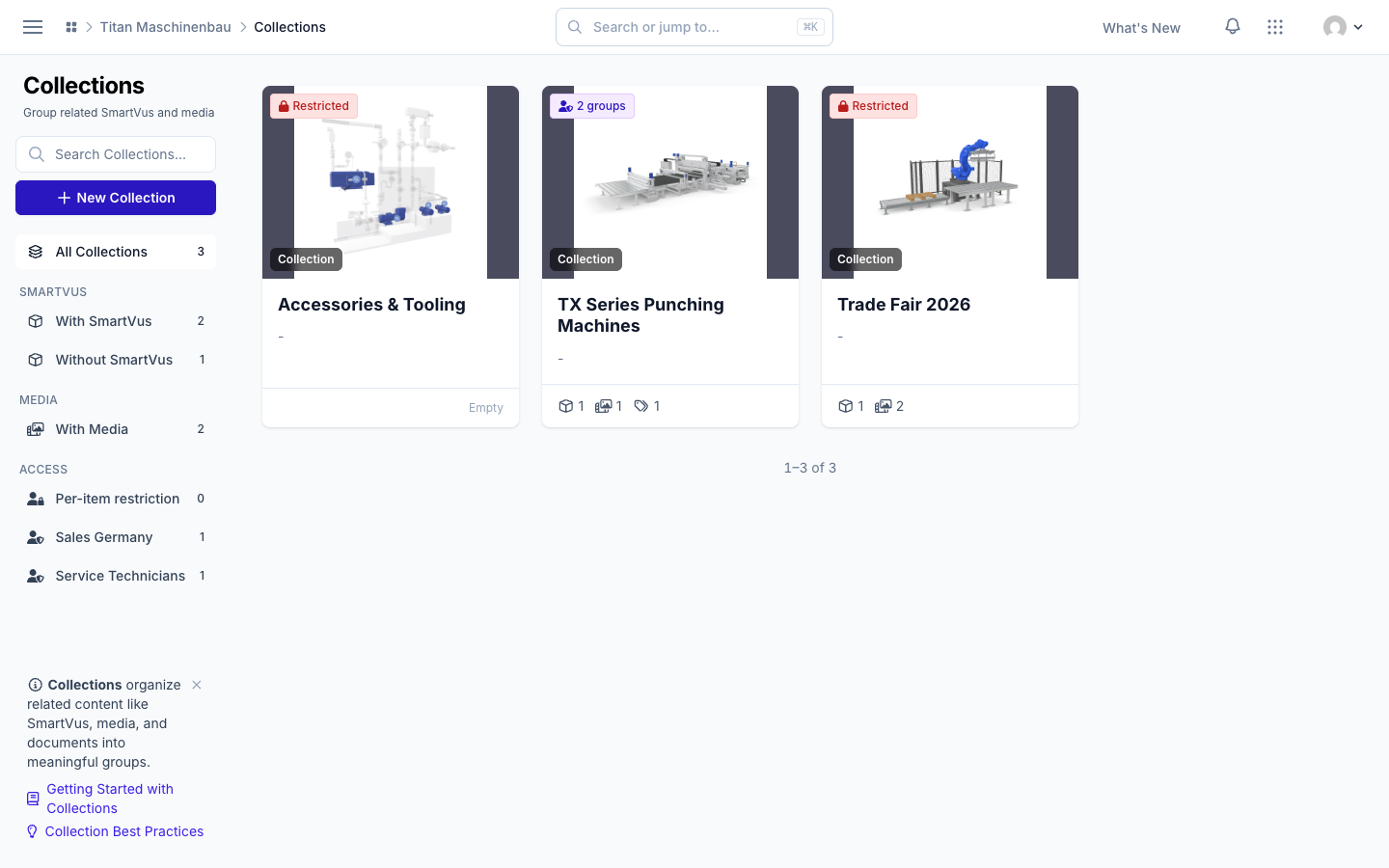
Collections and Smartvus show the groups that really get them. Access through a category now shows on the item.
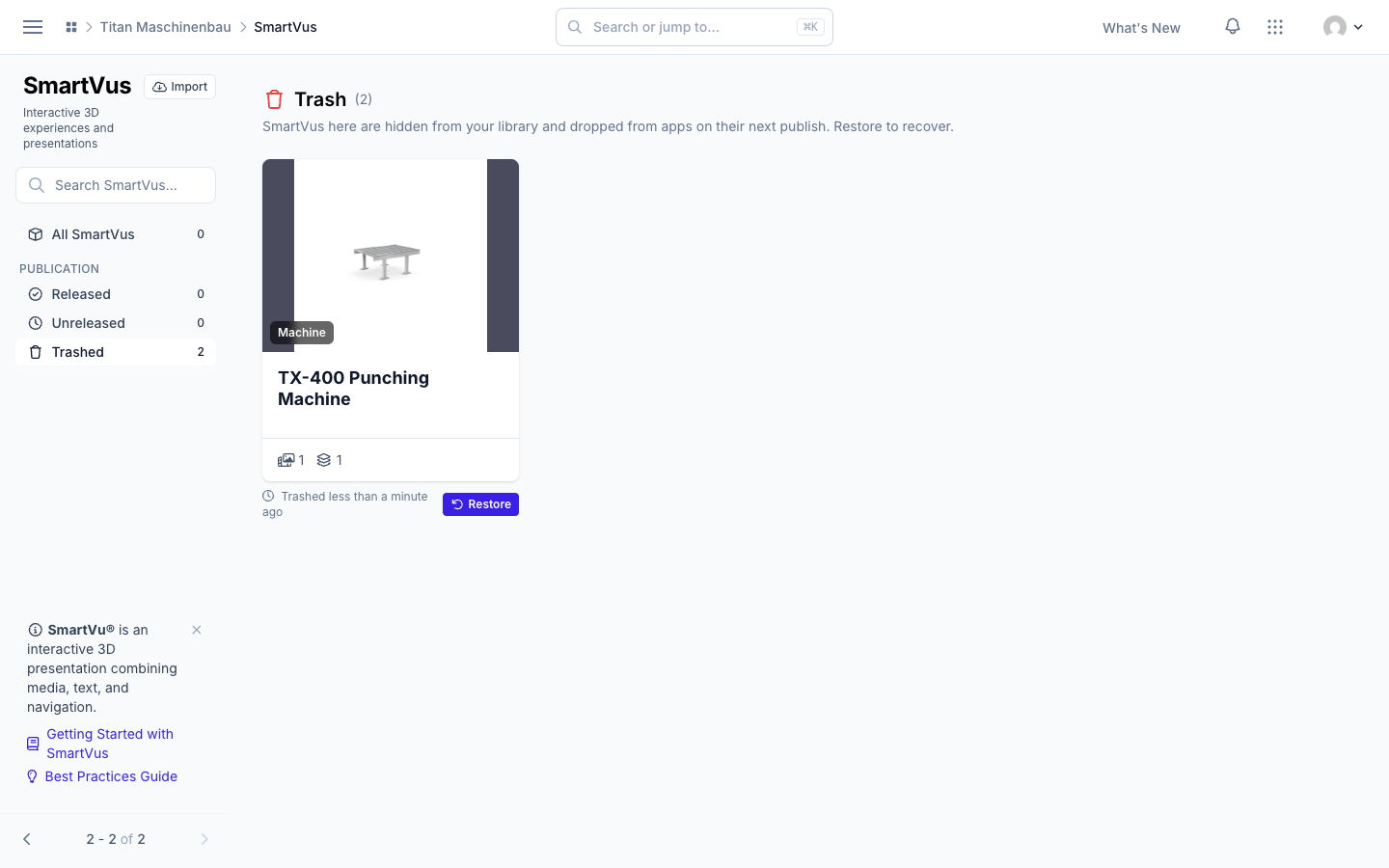
Long lists show all pages again. All Users, User Groups and the Smartvu trash have their page control back. Read more
The App Editor preview gets all media of a large library. Pages for web links and videos no longer stay empty in the preview.
Removed
- Vuframe switches modules and extensions on and off. These settings are no longer on your Settings page.